BetterVoice
Voice dictation that also captures whatever you circle on screen, so your AI agent gets the prompt and the visual context together
Backstory
I love Wispr Flow. I genuinely do. A lot of my prompts to coding agents these days are spoken, not typed.
But there was one thing that kept annoying me. Half of what I say to an agent is about something on my screen.
"this button is misaligned"
"why is this number different from that one"
"make this look like that"
And the agent has no idea what "this" and "that" are. So my flow looked like: speak the prompt, stop, take a screenshot, drag it in, maybe take another one, then realise I forgot to mention which part of the screenshot I meant.
Wispr Flow costs $12/month and it still can't do that. It hears me, but it can't see what I'm pointing at.
So I built the thing I wanted :)
The idea
The idea was stupidly simple:
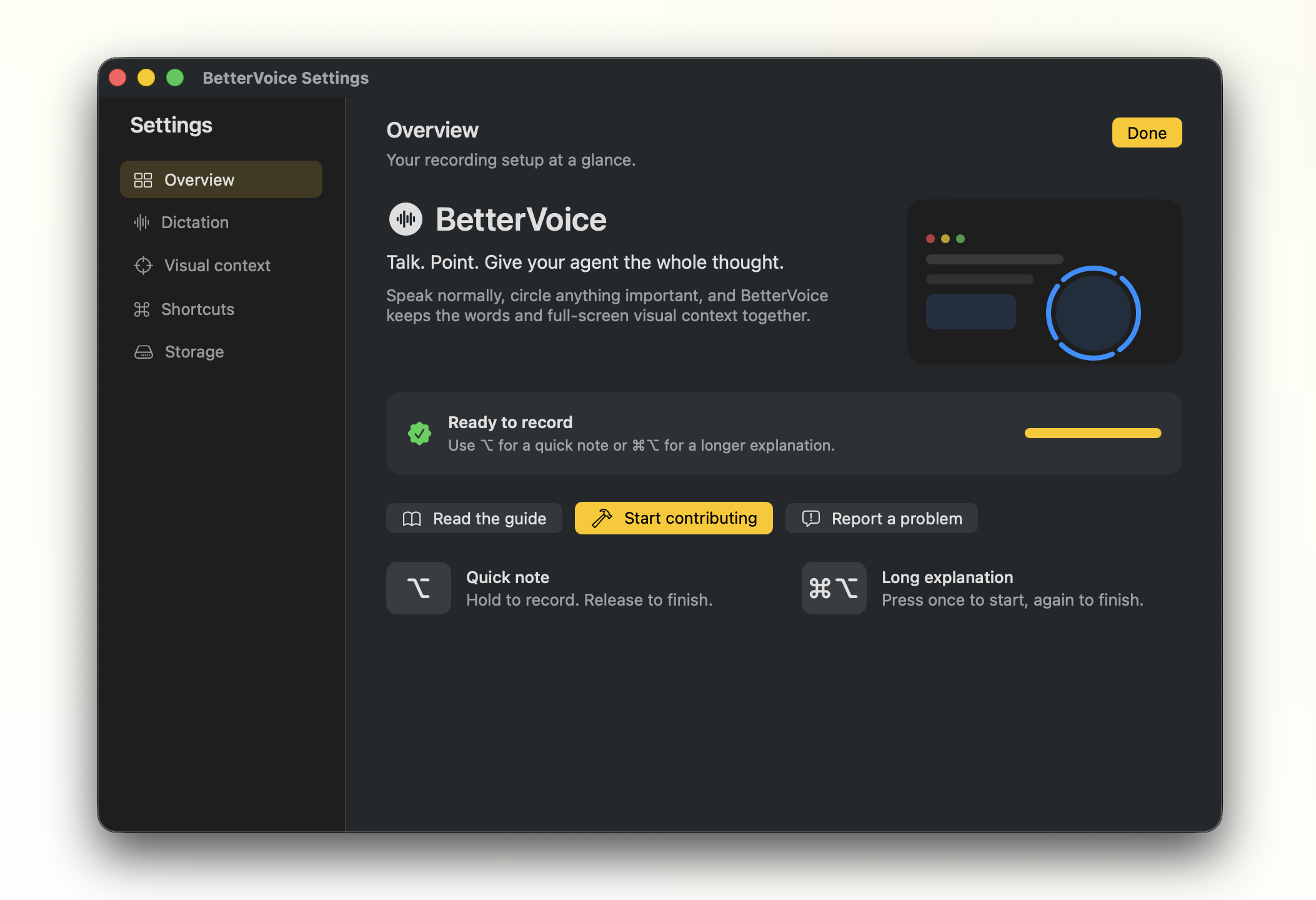
- Press a hotkey and start talking
- While talking, circle anything on screen with your mouse
- Every circle takes a screenshot
- When you stop, the transcript and the screenshots get pasted together, in the order you mentioned them
That's it. The prompt and the visual context it refers to, in one go.
Vibecoding it
I vibecoded the whole thing. It's a native macOS menu-bar app written in Swift, and the first commit and the tweet announcing it happened on the same day.
The core idea worked pretty quickly. What took most of the effort was all the macOS stuff around it. Looking at the commit history, there are way more commits like "Harden macOS release packaging" and "Prevent quick-note clipboard restoration crash" than there are commits about circles lol.
Here's roughly how it works under the hood:
- Shortcuts: hold
⌥for a quick note, press⌘⌥to start a long explanation and press it again to stop. - Transcription: everything runs locally using a Parakeet model through FluidAudio. No audio ever leaves your machine, and the temporary audio file is deleted right after transcription.
- Circles: the mouse position is fed into a small gesture detector, and a blue trail follows your pointer so you know it's working. When a circle is detected, ScreenCaptureKit captures the display under your pointer and draws a soft highlight around the area you circled.
- Pasting: when you stop, BetterVoice remembers which app and text field you were in, pastes the transcript, then pastes the screenshots into the same field.
My favourite part is the circle detector. No ML, no gesture framework, just a rolling window of the last few seconds of mouse positions and a bunch of geometry checks:
// roughly round, not a squashed line
guard width / height > 0.45, width / height < 2.2 else { return nil }

// points stay at a similar distance from the center
guard sqrt(variance) / radius < 0.32 else { return nil }

// the stroke actually comes back to where it started
guard closure < max(20, radius * 0.65) else { return nil }

// and it went (almost) all the way around
guard angleTravel > minimumAngle, angleTravel < 8.8 else { return nil }
It's forgiving on purpose. You don't need to draw a perfect circle, and normal mouse movement doesn't trigger it. The 340° default is adjustable in settings if you're a lazy circler like me.
It went viral???
I posted a 2-minute demo on X and honestly didn't expect much.
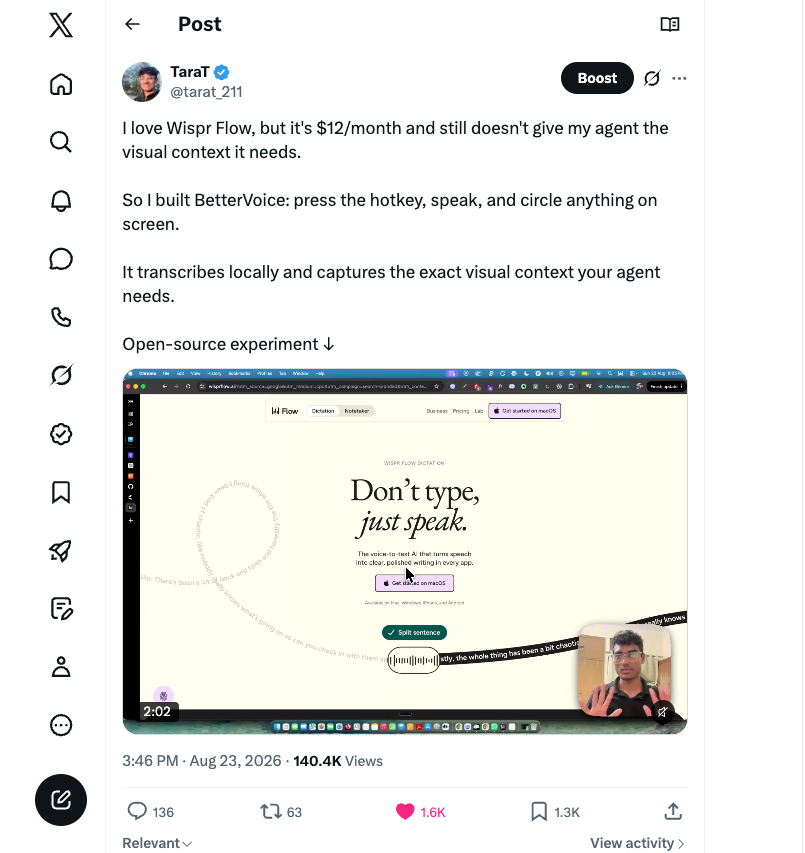
It got 140K+ views, 1.6K likes and 1.3K bookmarks. It also blew up on LinkedIn. The repo is at 280+ stars and 46 forks at the time of writing.
But the best part wasn't the numbers. People actually started contributing:
- Someone added a multilingual picker and a user-editable vocabulary file, so you can teach it that "cube cuttle" means
kubectl - Someone else added double-tap triggers and a configurable hold delay, because holding
⌥conflicts with a bunch of other apps - Someone fixed the trail overlay on multi-monitor setups
- And someone straight up ported the entire thing to Windows in .NET 9, with its own tests and benchmarks
Seven contributors so far, and eleven releases in the first week alone, for something that started as "I'm annoyed at taking screenshots".
What I learnt
- Small annoyances make the best projects. I didn't set out to build a product. I just wanted to stop taking screenshots, and it turns out a lot of people had the same problem.
- The idea is the easy part. Permissions, code signing, the clipboard, picking the right microphone: that's where most of the commits went. macOS ties Screen Recording and Accessibility permissions to the app's signature, so rebuilding with a different signing identity quietly breaks things.
- Open source compounds. I would never have built the Windows port myself.
Try it
If you're on an Apple Silicon Mac, grab the latest build from the releases page. The speech model downloads once (around 500 MB) and then everything runs offline.
It's still an experiment, so if something breaks, open an issue. Or even better, open a PR :)